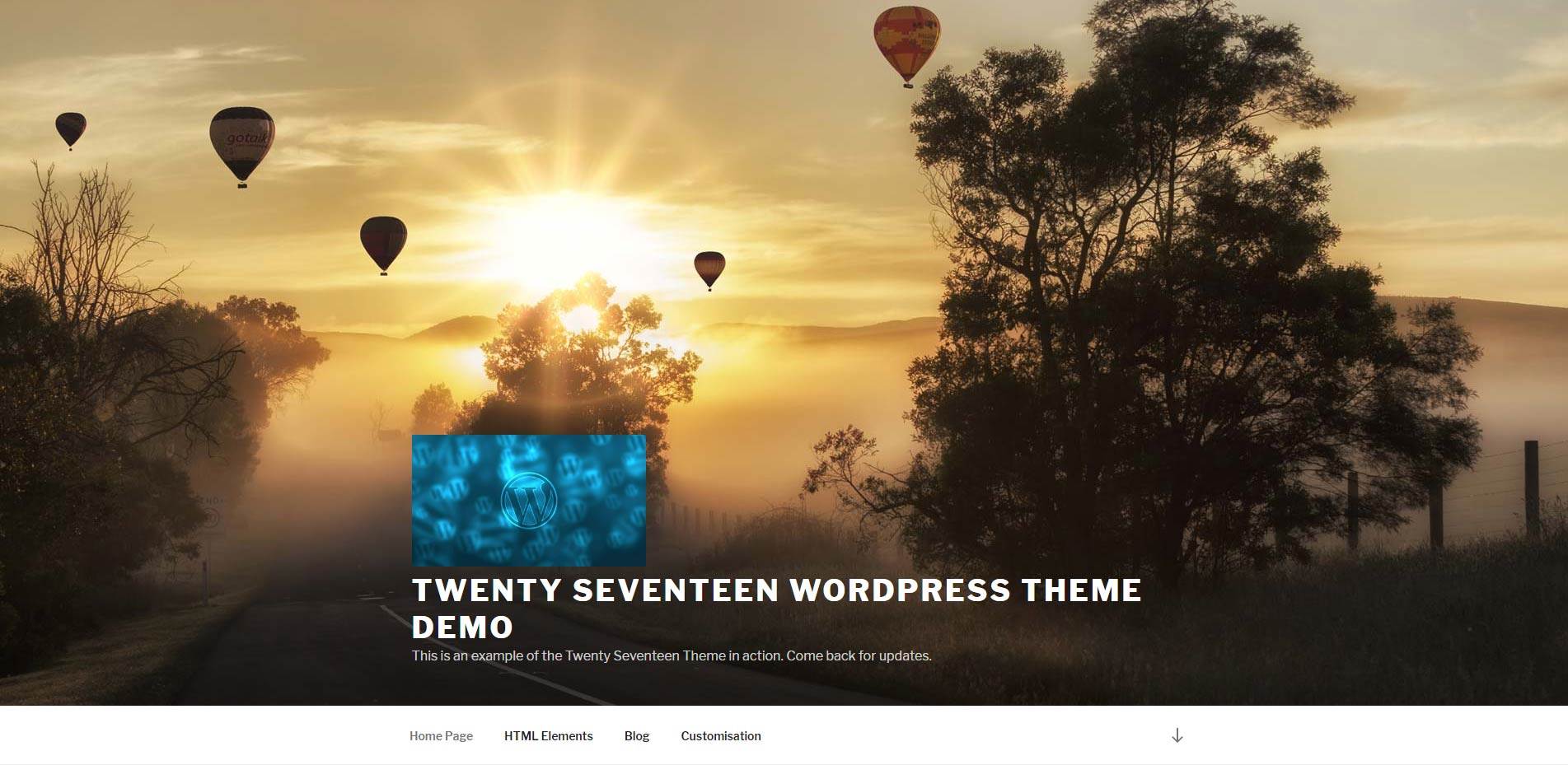
The logo in Twenty Seventeen is a fixed size, and it's width, and height, can be increased or decreased in size.
The default logo size.
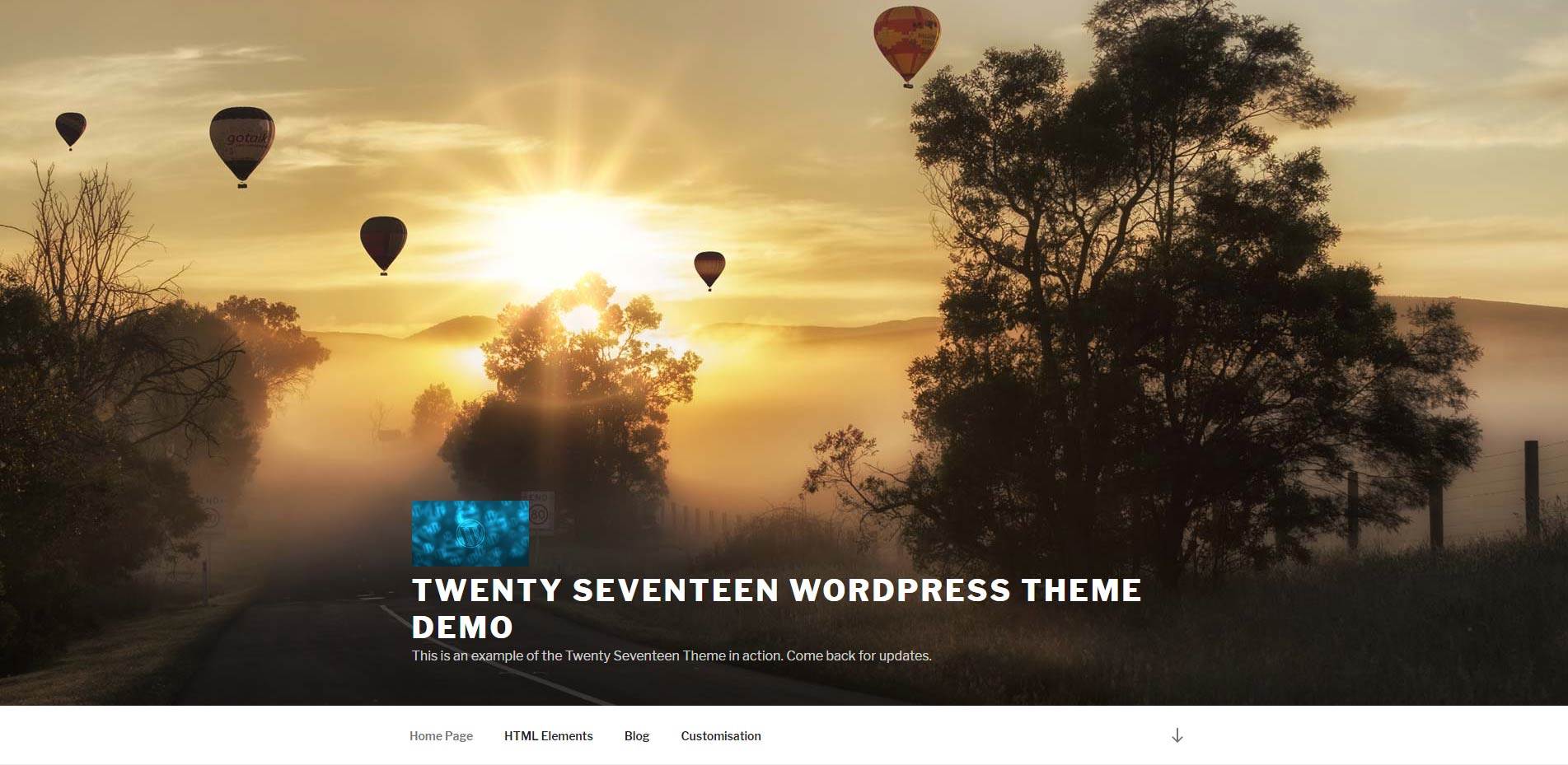
The logo re-sized.
In this example, the logo has been doubled in size, however, it can also be reduced in size.
Where and how to make the width of the menu full screen:
In WordPress Admin > Appearance > Edit CSS.
Enter the CSS code below.
- The 700px max-width is to double the default width of 350px. To halve the size, change the value to 125px
- The 160px max--height is to double the default height of 80px. To halve the size, change the value to 40px.
The CSS code:
@media screen and (min-width: 48em) {
	.custom-logo-link img {
		max-width: 700px;
	}
}

.custom-logo-link img {
    /* display: inline-block; */
    max-height: 160px;
    /* width: auto; */
}